 Blender
 3ds Max
Kimodo. Motion that respects your keys.
Runs inside
 Blender
 Motion Builder
 3ds MaxSoon
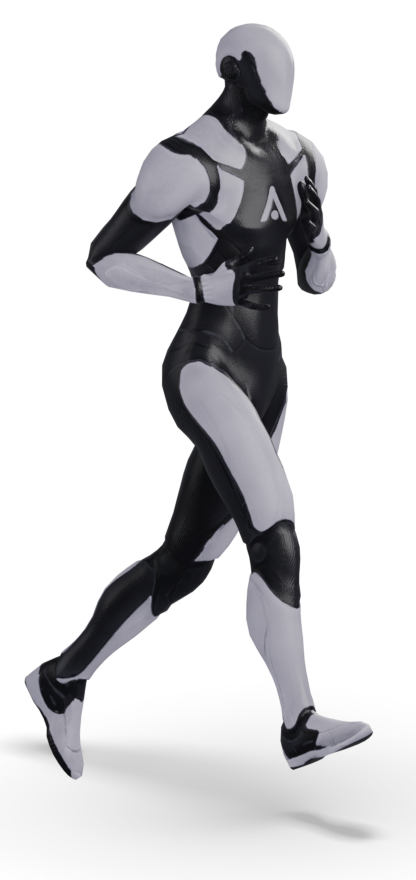
Kimodo is a text-conditioned diffusion model for 3D character motion, from NVIDIA's Toronto AI Lab. Give it a humanoid skeleton and a description, and it writes the motion as editable keyframes.
Animatica runs Kimodo behind the open MMCP protocol, so one model answers every Animatica plugin. Poses you set are hard constraints: the model fills the frames between them and never moves them.
Run it hosted on our GPUs, or self-host the Apache-2.0 reference backbone on your own machine. Same plugin, same protocol.
- Trained by
- NVIDIA Toronto AI Lab. Upstream research
- Type
- Text-conditioned diffusion model for humanoid motion
- Output
- 30-fps motion as editable keyframes on your rig
- Runs in
- Blender, Motion Builder
- Self-hosting
- motionmcp-kimodo, Apache-2.0, over MMCP
- Training data
- Outside Animatica's control. See the model index.
What it does.
- 01
Text-to-motion
Describe the action and get clean 30-fps motion baked to your armature.
- 02
Keyframe constraints
Pin the poses that matter. Kimodo generates the frames between them and leaves your keys where they are.
- 03
Path constraints
Sketch a curve. The root locks to it and the body stays alive on top.